Mobile user onboarding is not "web onboarding but smaller." The constraints are genuinely different and most of the patterns that work on web break in the mobile context.
A few things change:
- Screen real estate. There is no room for a sidebar checklist plus a modal plus a banner.
- The user already paid (in attention) to install the app. The cost of "what is this product for" was paid before they signed up.
- Permission prompts (notifications, location, camera) are part of the flow whether you want them to be or not.
- The first-run experience is often the only run experience for low-intent users.
Here are seven mobile app onboarding patterns that consistently work, with examples from products that do them well.
Three to five screens, each asking a single question, with large taps and minimal typing. The point is not to collect data for the sales team. It is to personalize the first screen the user sees after onboarding.
Done well, the user signs up, answers two or three questions, and lands on a home screen that already feels relevant. Done badly, it is a 12-question demographic survey and the user bounces.
Good rule: each question must change something the user will see in the next 60 seconds. If a question only affects a CRM record, cut it.
Airbnb's announcements on first launch are a clean example of this pattern. Each card sets context, then hands off to the actual product.
The default iOS or Android permission prompt is a one-shot. If the user denies it, getting them back requires deep-linking into Settings, which almost no one does. So the timing of when you trigger the prompt is the entire game.
The pattern that works:
- Show a custom pre-prompt screen (not the OS prompt) that explains why you need the permission, with the actual benefit phrased in user terms.
- Only after they tap "yes" on your custom screen, fire the OS prompt.
This double-prompt pattern roughly doubles permission grant rates compared to firing the OS prompt cold. The reason is simple: if the user is going to deny, they deny on your screen, and you do not burn the one-shot.
For notifications specifically, do not even ask on day 0. Ask after the user has had a successful interaction with the app, when the value of getting notified is concrete instead of abstract.
On web you can tolerate a five-step setup before the user does anything fun. On mobile that is too long. The user is on a bus, or in line at a coffee shop, or on the toilet. They have a 30-second attention window.
The pattern: the very first screen after signup should let the user do something the product does, even if it is a stripped-down version. They snap the photo. They type the message. They drop the pin.
Once they have done one thing, the rest of the setup can happen incrementally.
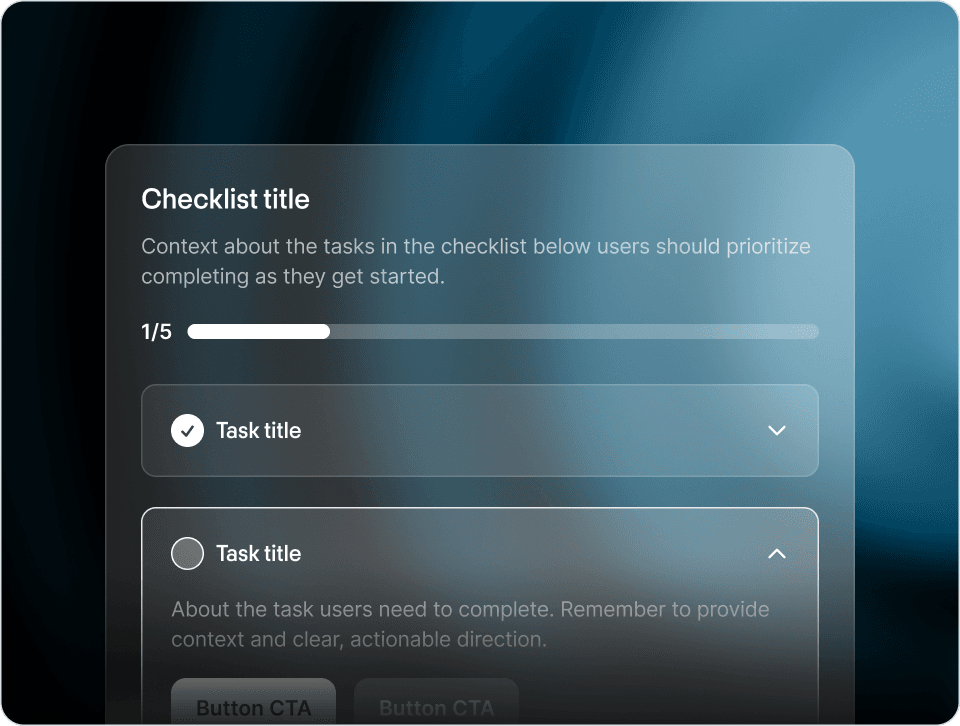
Replace the modal checklist (which does not fit on mobile anyway) with a card pinned to the home screen. The card shows progress (3 of 5 steps complete) and tapping it expands to the next action.
Crucially: the card is dismissible, and once all steps are complete, it disappears for good. It does not become a vestigial widget that hangs around forever.
Mercury does this well on web and the same shape transfers cleanly to mobile.
If you are going to ship a tour, default the primary CTA to "skip" and the secondary to "show me." Most users will skip, which is what you want. The minority who tap "show me" are highly engaged and the tour is actually useful for them.
This sounds like a defeat, but it is not. You are letting the engaged users self-identify, while not blocking the disengaged users from getting to the product.
The opposite pattern (forced tour, "skip" buried as a 6pt link) is one of the highest-correlation predictors of day-1 churn we see.
Instead of a separate onboarding flow that ends and hands off to an empty product, design the empty state to be the onboarding.
If the product is a notes app, the empty state is "tap here to write your first note" with a giant button. If the product is a fitness tracker, it is "log your first workout" with a single field. If the product is a marketplace, it is one curated row of starter content.
The user never crosses a boundary from "onboarding" to "real product." They are always in the real product, just at varying levels of populated.
This is the pattern that lets you ship onboarding with no separate in-app tutorial code at all, and it is often the right choice for early-stage products.
Once the user is past first-launch, the highest-leverage onboarding pattern is contextual. The user does action X, and the tip about action Y appears after X completes, when Y is the natural next step.
Example: user creates their first project. After they save it, a small card appears: "Now invite a teammate to this project." That tip would not have made sense before the project existed. It makes obvious sense the second after.
This is the pattern that survives the longest. Tours and checklists are 0-day patterns. Contextual tips work for months.
Three patterns that work fine on web and consistently fail on mobile:
- The sidebar checklist. No room.
- The hover tooltip. No hover.
- The "press the question mark for help" affordance. Mobile users do not press question marks. They tap the obvious thing or they bounce.
If your mobile user onboarding flow is a port of your web one, you can probably double activation just by rethinking it from scratch with the constraints above. Mobile is its own medium with its own constraints.
The patterns above are what you build into the app. Underneath them, there is an emerging layer worth knowing about: an autonomous in-app agent that handles the long tail of "user got stuck on something specific" and proactively surfaces help before the user has to ask. the Frigade Assistant is the version we are building. It learns the product by using it like a user would, then operates in two modes: on demand when a user asks for help, and proactively via Frigade Suggestions, AI-driven tours and nudges surfaced at the right moment for each user. Either way, it walks them through the workflow, fills forms, and surfaces the friction back to the team.
Mobile's specific constraint here is screen real estate, but the pattern translates: the assistant lives in a sheet or drawer rather than a sidebar, and the user invokes it by intent ("how do I cancel" or "log my workout from yesterday") rather than by tapping through a static checklist. This is the layer most product teams will be building or buying in 2026.