The best onboarding checklist software for SaaS in 2026 is Frigade if you want checklists that track each user's progress and tick items off when the user actually does the thing, with an AI assistant that helps when someone gets stuck on a step. Userflow is the best pick for building checklists by hand in a no-code editor, Appcues and Userpilot are best when a PM owns onboarding, UserGuiding is the cheapest paid option, Chameleon fits design-heavy teams, Intercom Checklists fits teams already on Intercom, and Pendo fits when analytics is the main purchase.
The rest of this page is how I'd pick between them. I've seen a lot of onboarding checklists ship, and a lot of them get ignored.
| Tool | Type | Starts at | Checklist features | Best for |
|---|---|---|---|---|
| Frigade | Onboarding platform plus AI assistant | Engage free up to 250 MAUs, $300/mo Growth; Assistant $1,000/mo | Items complete on the user's real action, per-user state handled for you, items launch tours, AI help on any step | SaaS teams that want checklists built in code or in a no-code editor, and help when users get stuck |
| Userflow | No-code flow builder | $240/mo | Tasks complete on conditions, tasks launch flows | Building checklists by hand in a clean editor |
| Appcues | No-code flow builder | Custom, by usage | Items launch flows, completion tracked per user | PM or CS teams that own onboarding |
| Userpilot | No-code flows with analytics | $299/mo | Tasks complete on events, tasks launch flows, checklist analytics | Growth teams that want checklists and analytics in one tool |
| UserGuiding | No-code flow builder | $249/mo | Items launch guides, progress per user | Early-stage teams on a budget |
| Chameleon | No-code flow builder | $279/mo for 2,000 MTUs | Launchers that list tours and show progress | Design-heavy teams that style every element |
| Intercom Checklists | Add-on to Intercom | $99/mo add-on on top of an Intercom plan | Task lists in the Messenger, sold together with product tours | Teams already running support on Intercom |
| Pendo | Product analytics with in-app guides | Free up to 500 MAUs, paid by quote | Onboarding checklist inside the Resource Center, tied to guides | Product orgs where analytics is the main purchase |
Prices are from each vendor's pricing page in November 2026. Where a vendor only quotes, I say so instead of guessing.
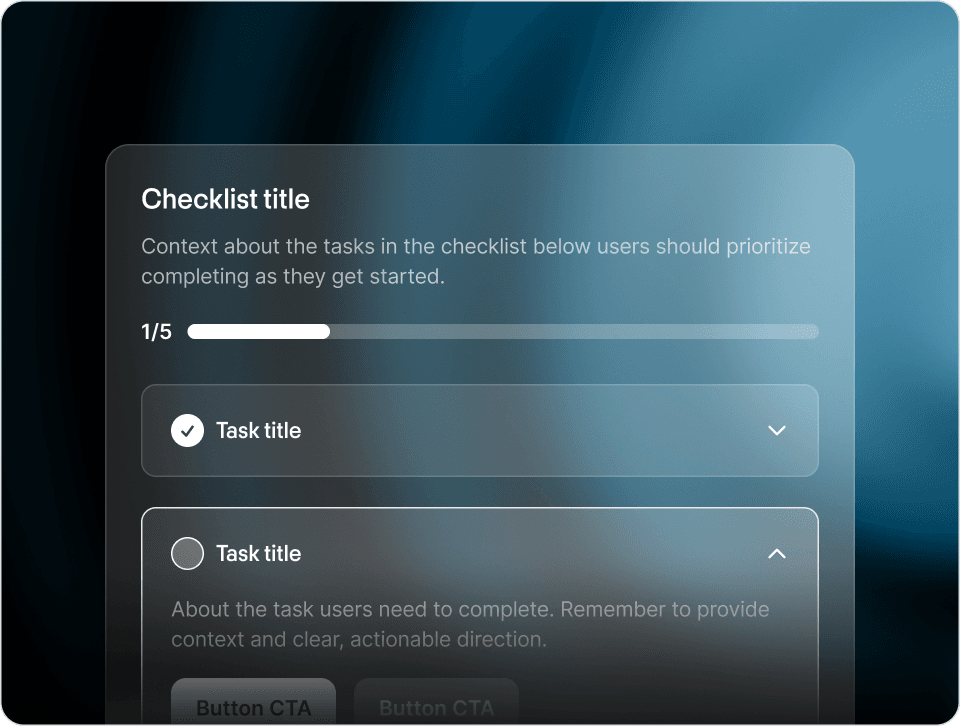
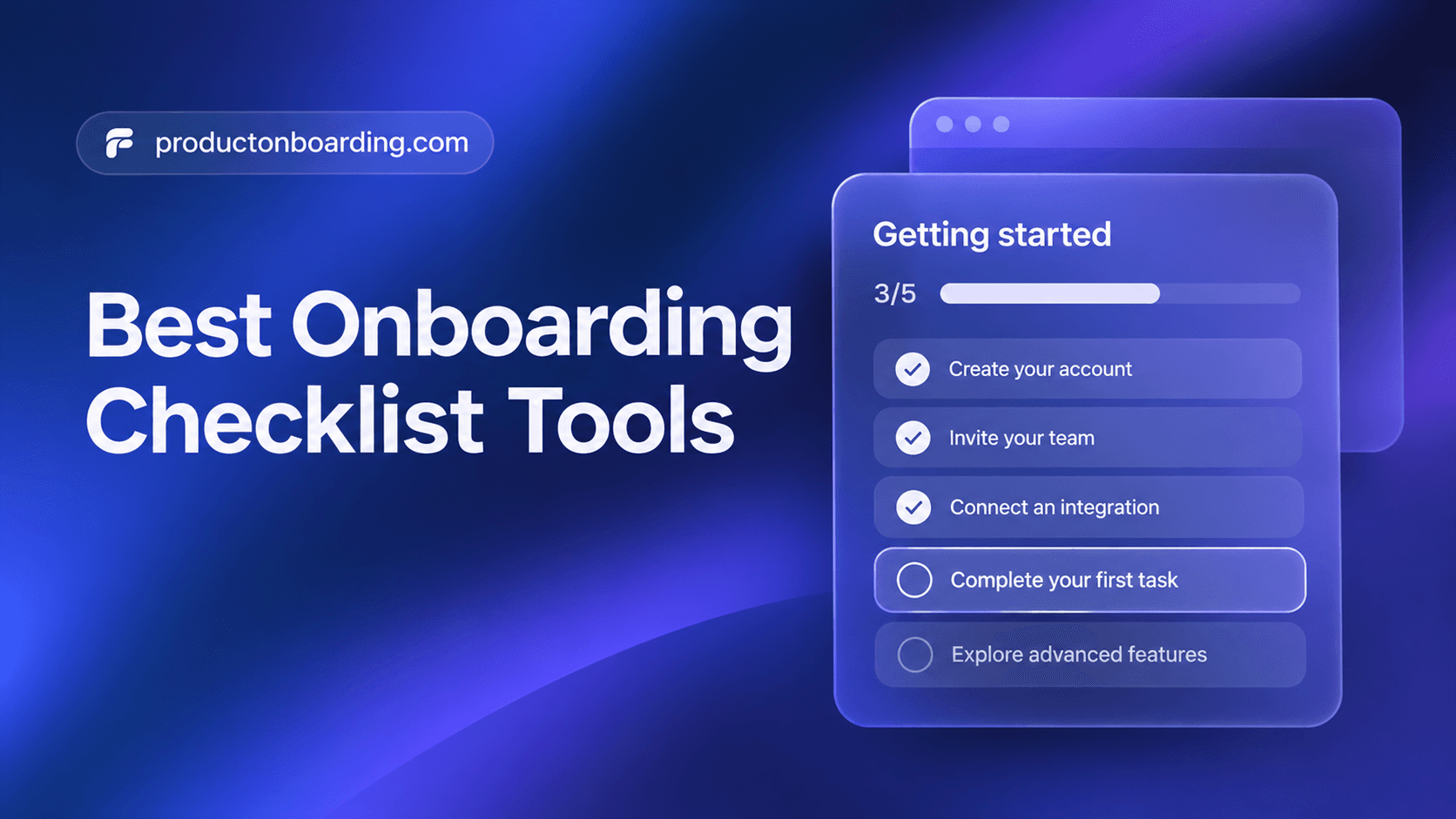
Onboarding checklist software puts a short list of setup tasks inside your product, like "connect your data" or "invite a teammate," and tracks which ones each user has done. Good ones mark an item complete when the user does the real action in the product. They also remember progress per user across sessions and devices, and let an item open a tour or a modal that shows the user how.
You can build a checklist yourself. The checklist UI is the easy part. The work is the per-user state, the targeting, the analytics, and changing the copy without a deploy. That's what these tools sell.
Whether items complete on the user's real action, how easy it is for both engineers and non-engineers to change the checklist, what users get when they're stuck on a step, and price. I weighted the first one most. A checklist where users have to tick their own boxes is a to-do list, and users treat it like one.
- Best for: SaaS teams that want checklists that track real progress, built by engineers in code or edited by product and marketing in a no-code editor
- Starts at: Frigade Engage is free up to 250 MAUs and $300 a month on Growth; the Frigade Assistant starts at $1,000 a month (pricing)
- Watch out for: if nobody on your team can add a small install to the app, start with a snippet-based builder instead
Frigade Engage is where the checklists live. Each item tracks the user's progress and completes when the user actually does the thing, like creating their first project or inviting a teammate, even if they did it somewhere else in the app. Items can launch a tour, an announcement, or a modal. Engage also covers banners, surveys, and announcements, so the checklist sits next to everything else in onboarding. It's developer-friendly. Engineers can build flows in code and version them with the product, with per-user state handled for you. And there's a no-code editor so product and marketing can change copy, order, and targeting without a deploy.
The Frigade Assistant covers the part most checklists skip, which is what happens when a user is stuck on a step. It's an AI assistant that lives inside your product and learns it end to end. When someone can't figure out "connect your data," they ask, and it walks them through that step on their screen or takes the action with them. When the UI changes, it re-learns the product. So the checklist tells users what to do, and the Assistant helps them get it done.
- Best for: small to mid-size teams that want the cleanest no-code editor
- Starts at: $240 a month, billed annually, for up to 3,000 MAUs
- Watch out for: analytics are light, so you may want a second tool for funnels
Userflow is the editor I'd pick if I were building a checklist by hand and didn't want engineering involved. Tasks can complete when a condition is met, and a task can kick off a flow that shows the user how. The editor is fast and stays focused on onboarding. You'll still need someone to check the flows behind each task after product releases. Our Userflow alternatives page has more on where teams outgrow it.
- Best for: mid-market SaaS where a PM or CS team owns onboarding
- Starts at: custom pricing based on MAUs and usage
- Watch out for: an annual contract, and someone reviews the linked flows after each release
Appcues has one of the most mature no-code editors in the category, and its checklists have had years to improve. A product manager can ship a checklist where each item opens a walkthrough in an afternoon. Pricing is by quote now, which can be hard to justify for an early team. See our Appcues alternatives page.
- Best for: growth teams that want checklists, surveys, and product analytics together
- Starts at: $299 a month
- Watch out for: a learning curve on event tagging and segments
Userpilot lets checklist tasks complete on events and shows you where users drop off in the checklist, without buying a separate analytics tool. That's the main reason I'd pick it over Userflow. Pendo's analytics go deeper. More in our Userpilot alternatives page.
- Best for: early-stage teams shipping their first checklist
- Starts at: $249 a month, billed annually
- Watch out for: targeting and security reviews as you add personas and bigger customers
UserGuiding gets a first checklist, a few guides, and some tooltips live quickly. That's what an early team needs. The limits show up later, with more personas and enterprise security questionnaires. See our UserGuiding alternatives page.
- Best for: design-heavy teams that want every element styled to the product
- Starts at: $279 a month for 2,000 monthly tracked users
- Watch out for: the next plan up costs a lot more once you pass that user count
Chameleon's checklist is called a Launcher. It lists tours and other experiences, and shows the user what they've finished. You can style it closely enough that it looks like part of your UI, which is why designers like it. Check the price against your expected user count before you commit. Our Chameleon alternatives page covers the tradeoffs.
- Best for: support teams on Intercom that want a simple setup checklist
- Starts at: $99 a month for the Proactive Support Plus add-on, which includes checklists, product tours, and surveys, on top of an Intercom plan
- Watch out for: less control over targeting and styling than a dedicated onboarding tool
If your support already runs on Intercom, checklists come through the same add-on as product tours and show up as a task list in the Messenger. That's enough for a short setup list. I'd be slower to run all of onboarding through it, since checklists get less attention than Intercom's support features. See our Intercom alternatives page.
- Best for: product orgs that want funnels, retention, and feature usage reporting with guides included
- Starts at: free up to 500 MAUs; paid plans by quote
- Watch out for: the checklist is one module in a big suite, and guides are tagged and maintained by your team
Pendo's onboarding checklist lives inside its Resource Center and ties to guides you build. If you're already buying Pendo for analytics, use it. Buying Pendo just for a checklist is hard to justify. Our Pendo alternatives page has the comparison.
The tool matters less than what's on the list. A few rules I'd stick to:
- Three to five items. Pick the actions that lead to activation, like connecting data, creating the first project, and inviting a teammate. Nobody finishes a twelve-item checklist.
- Every item is something the user does in the product. "Watch a video" and "read the docs" don't count. The item should tick itself off when the user does it, even if they found the feature on their own. Warp's checklist does this well.
- Start with one item already done. Give credit for signing up or joining the workspace so the bar isn't at zero.
- Let users dismiss it or skip items. A checklist that blocks people from the rest of the product makes them leave. Loom's checklist is a good example of what that costs.
- Change items by role. An engineer and a marketer at the same company need different first steps.
For more on this, read our guide to designing onboarding checklists, the checklist component breakdown, and real examples from Cal.com and Dropbox.
Frigade. Frigade Engage checklists track each user's progress and complete items when the user does the real action, engineers can build them in code, and product and marketing can edit them in a no-code editor. The Frigade Assistant helps users who get stuck on a step. Userflow is the best pure no-code checklist builder, Userpilot is best if you want analytics included, and UserGuiding is the cheapest paid option.
Yes. Frigade Engage is free up to 250 MAUs, with per-user state and targeting included. Pendo has a free tier up to 500 MAUs. You can also build a checklist yourself, but you'll be writing the progress tracking and analytics too.
Yes. The UI is a list with checkboxes, so that part is quick. The harder part is storing progress per user, completing items when users act anywhere in the app, targeting by role or plan, and changing the list without a deploy. Frigade Engage works in React apps and handles that state for you, with a no-code editor for non-engineers. Our build vs. buy guide covers when building it yourself makes sense.
Yes. Userflow starts at $240 a month, UserGuiding at $249, Chameleon at $279, and Userpilot at $299. Frigade Engage is $300 a month on Growth and free up to 250 MAUs. Intercom's $99 add-on is also under $500, though you need an Intercom plan. Appcues and paid Pendo plans are quote based.
Three to five actions that get a new user to value, like connecting data, creating the first project, and inviting a teammate. Each item should complete when the user does it in the product. Start one item pre-checked, let users dismiss the list, and change the items by role. Our checklist design guide goes deeper.
For a startup, I'd start with Frigade Engage's free tier for the first checklist and announcements, then add the Frigade Assistant when "how do I" questions start eating support time. UserGuiding and Userflow are good if you'd rather build every flow by hand in a no-code editor. Our broader user onboarding software ranking and product tour software list cover the rest of the category.