Components
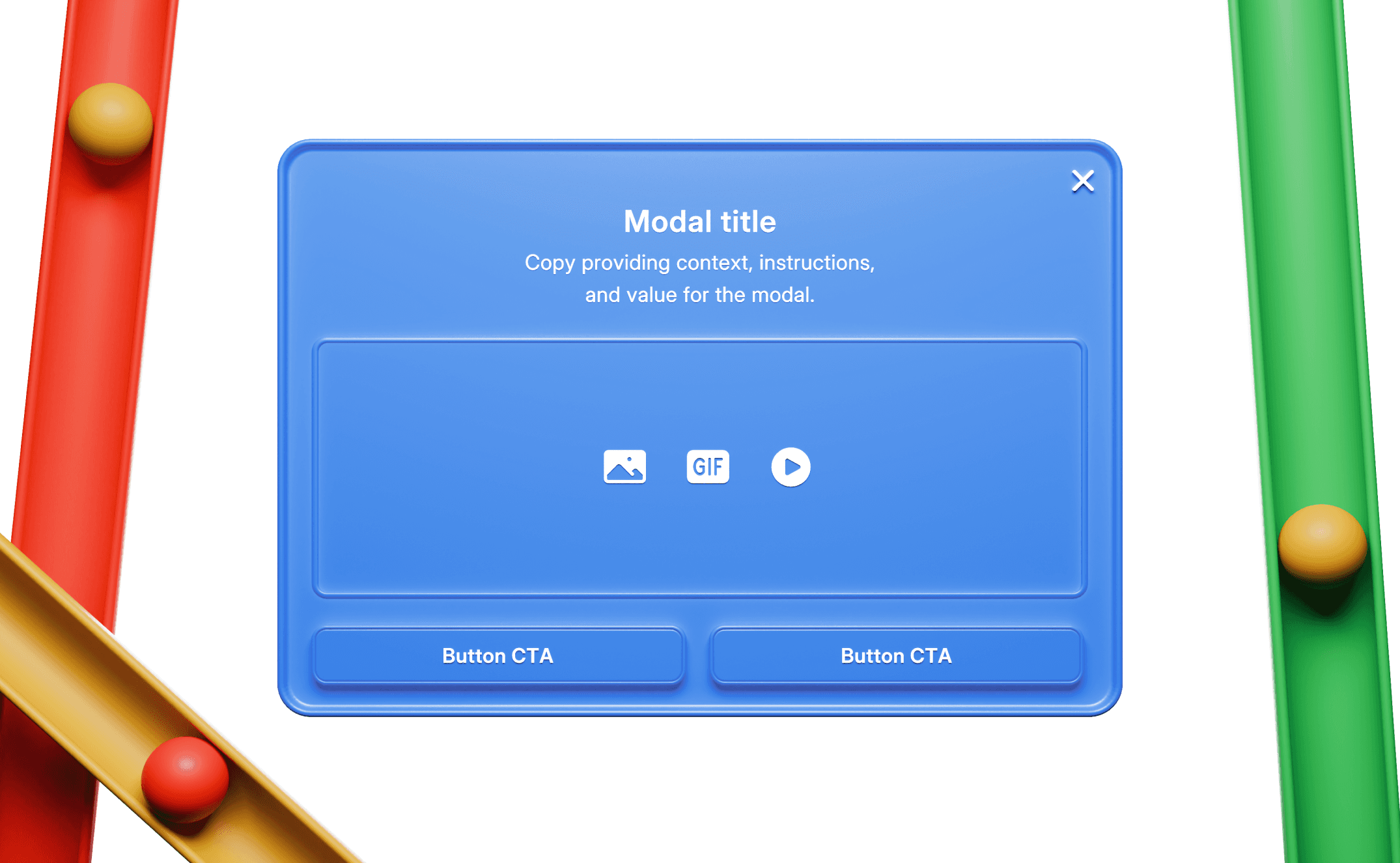
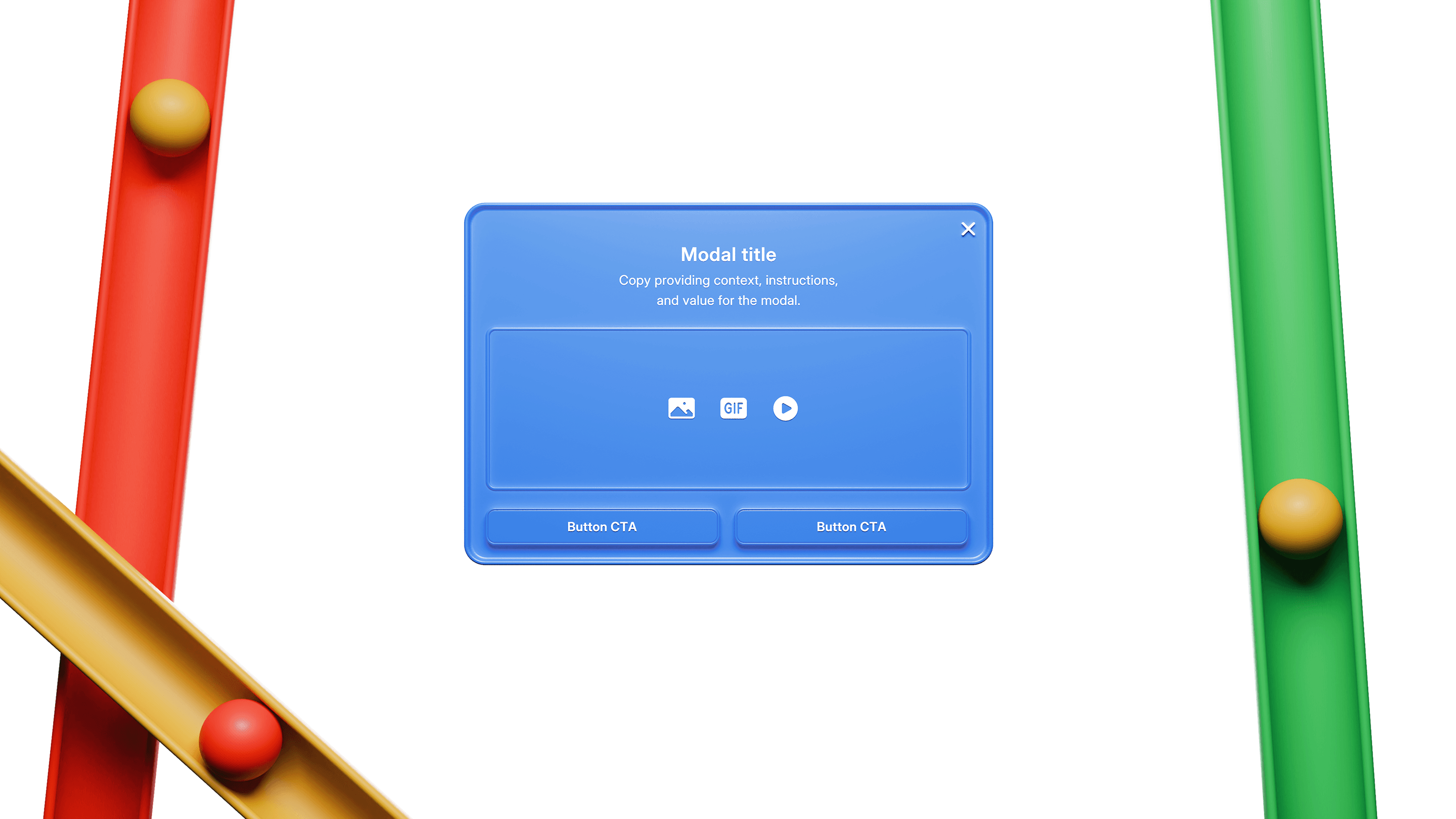
Announcement
Communicate key information to users. Generally interrupts a workflow and intercepts users on sign-in or after other key actions.
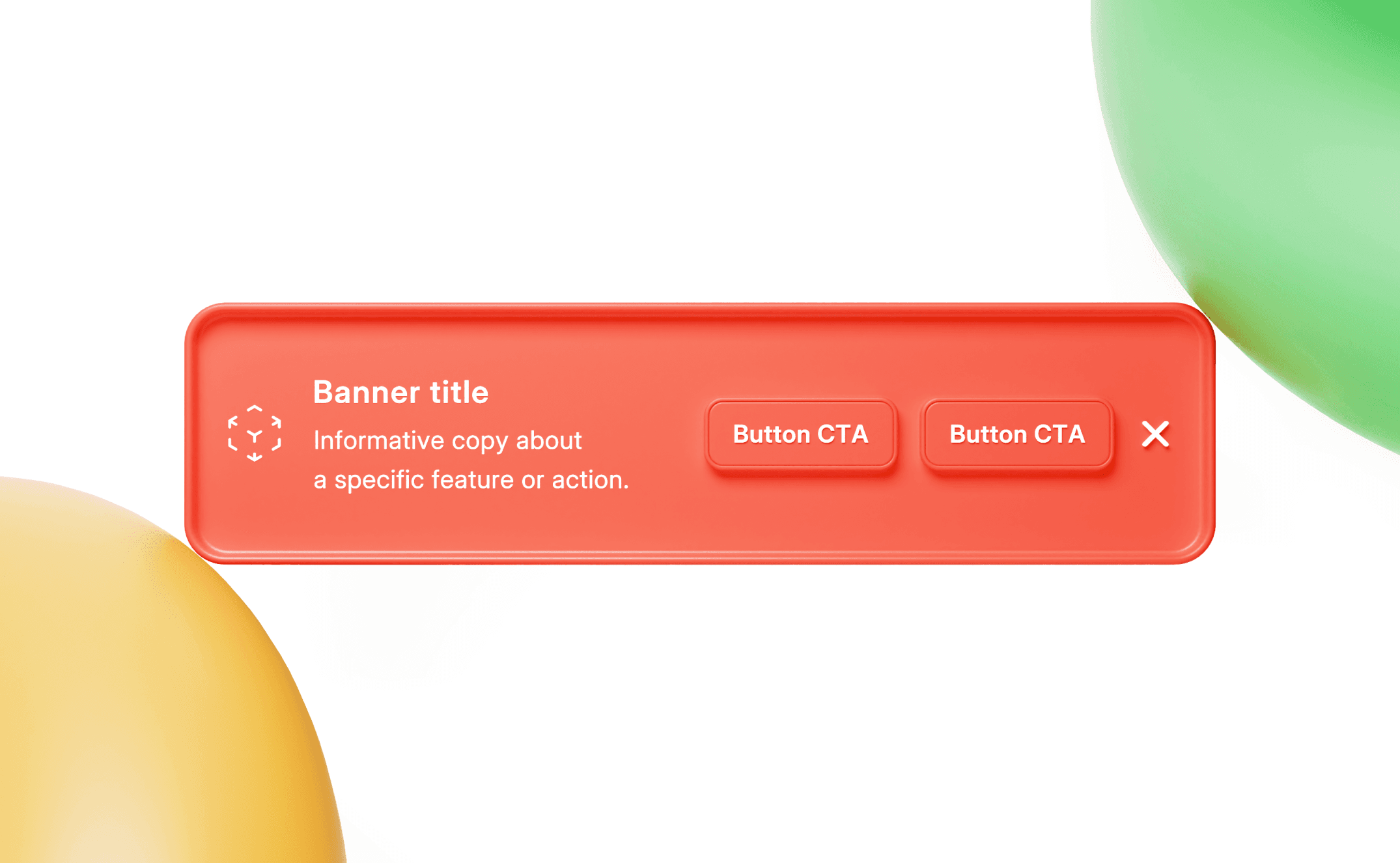
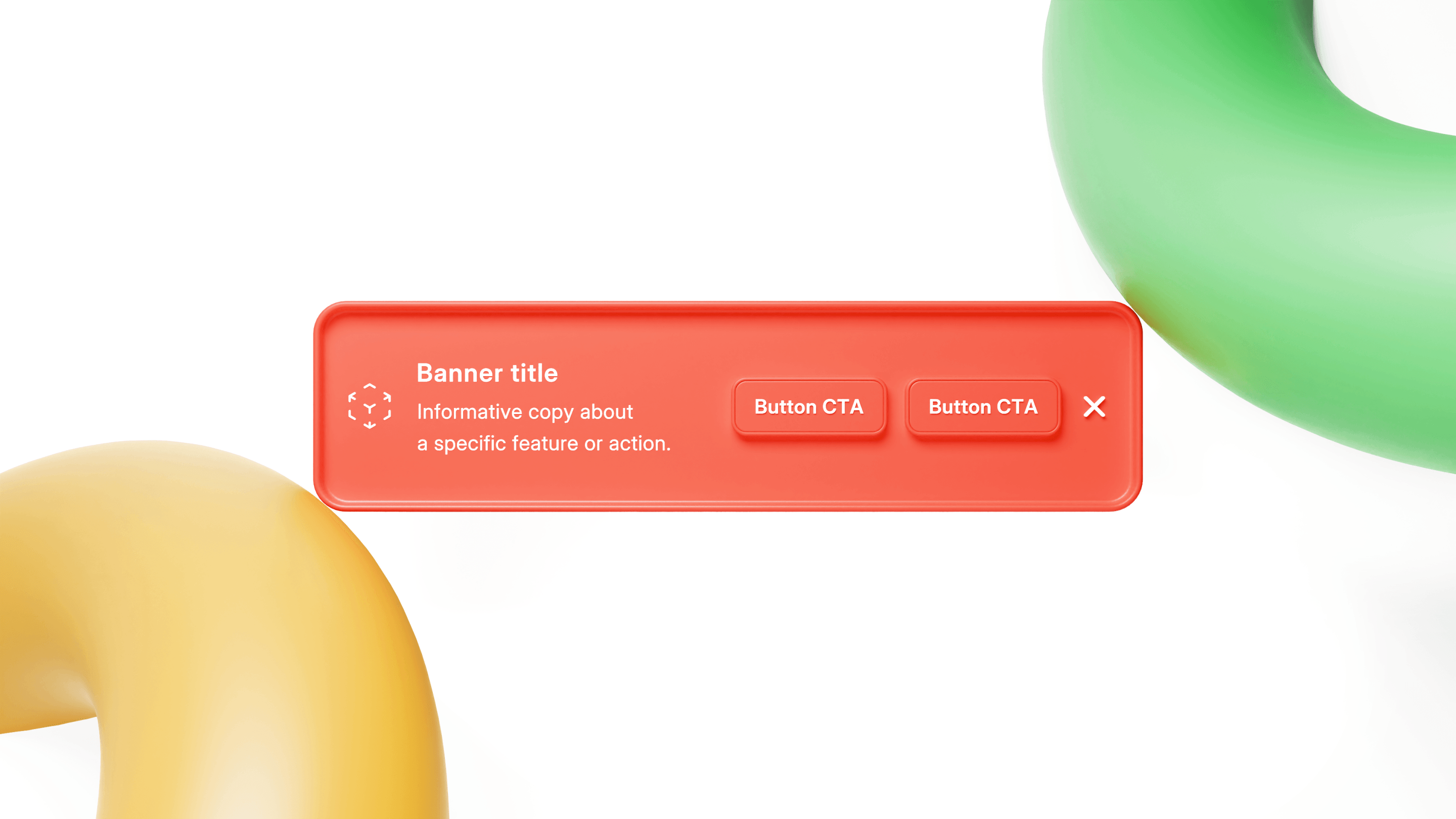
Banner
Lightweight, dismissible in-product UI. Generally located at the top of a page. Generally used for product adoption, education, and/or alerts.
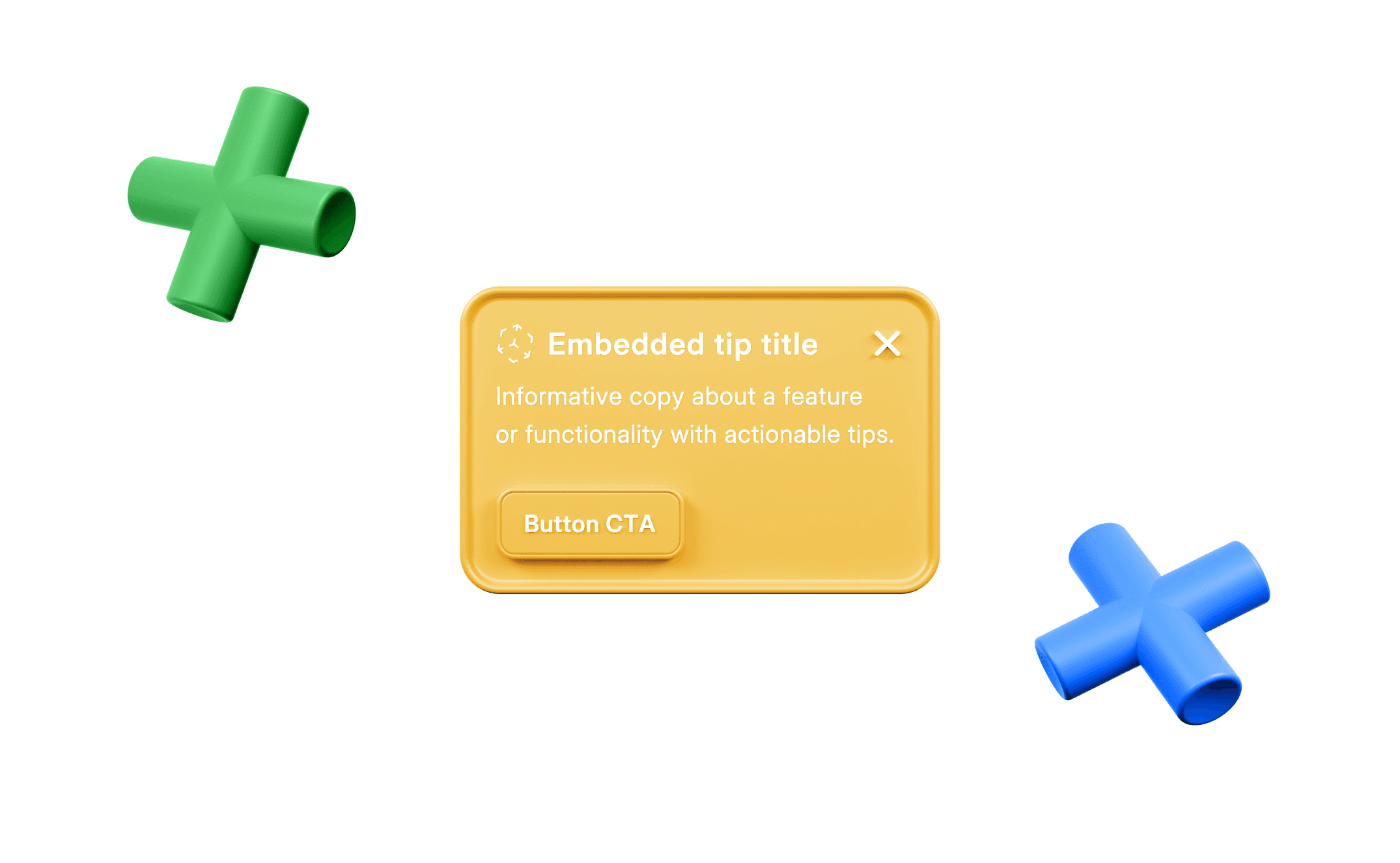
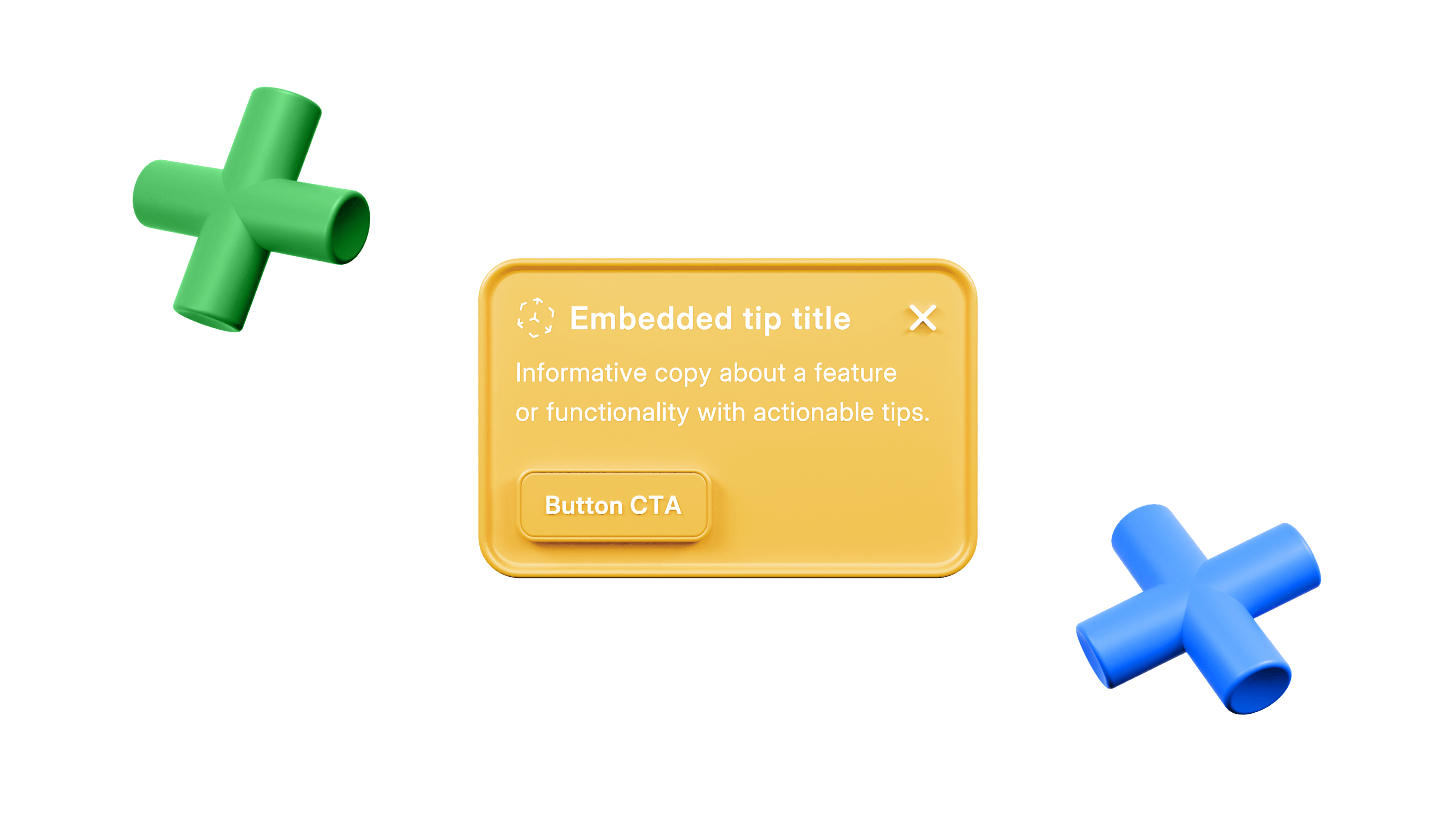
Card
A card that sits inline with the UI. Often used to promote new features, encourage users to upgrade, or to provide temporary setup tips.
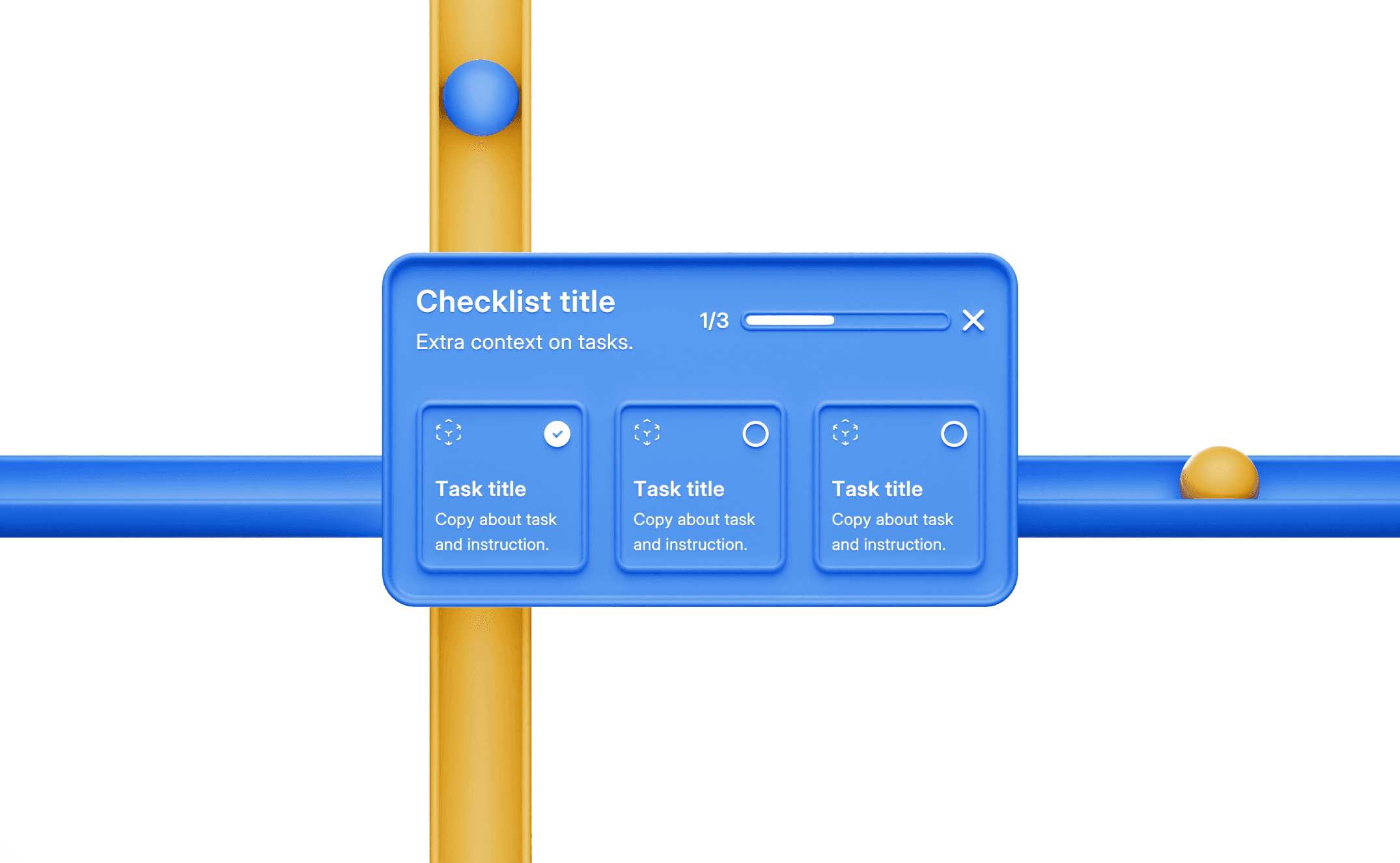
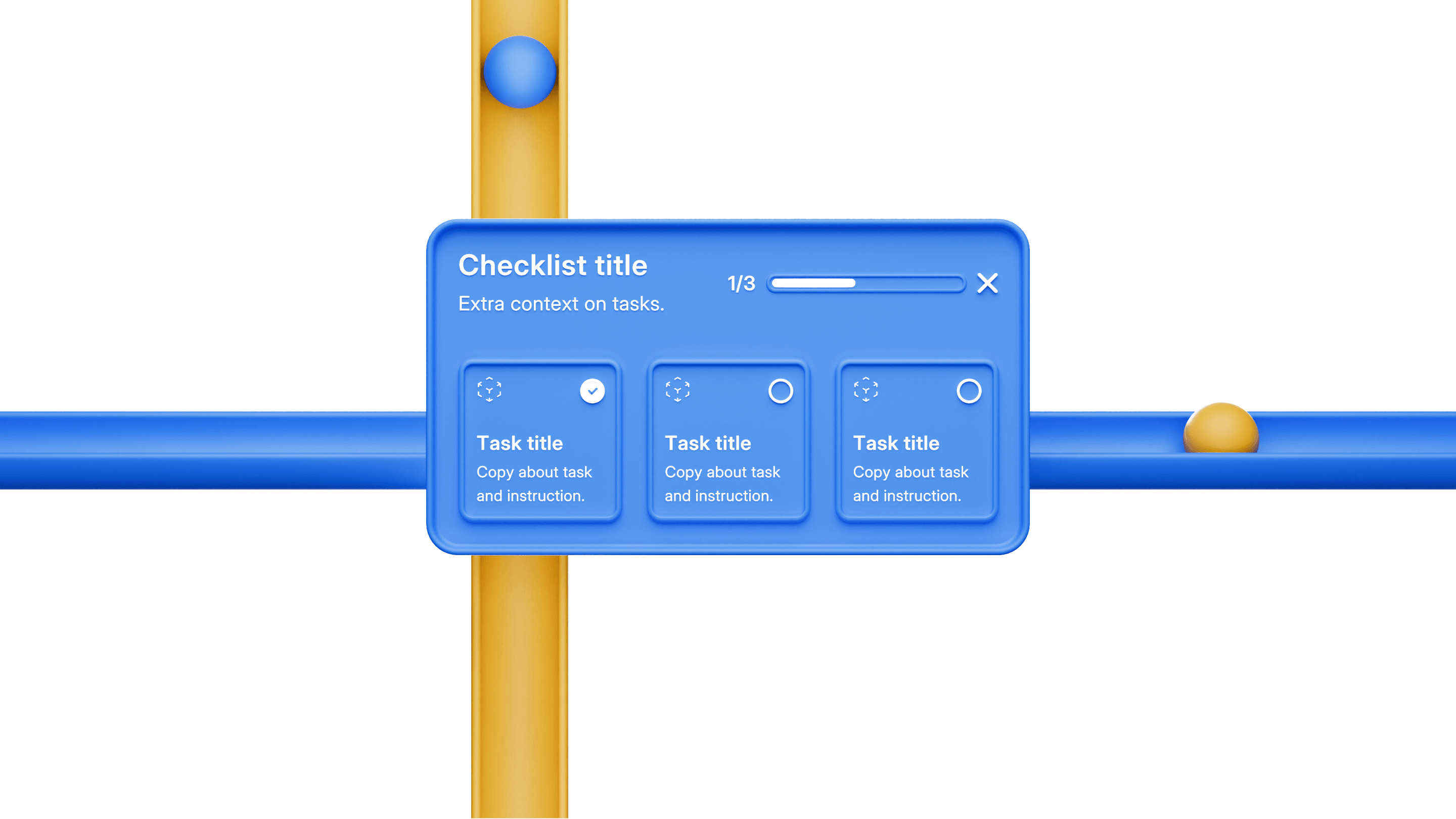
Checklist
An interactive list of suggested setup actions the user can take. Often used to drive account activation.
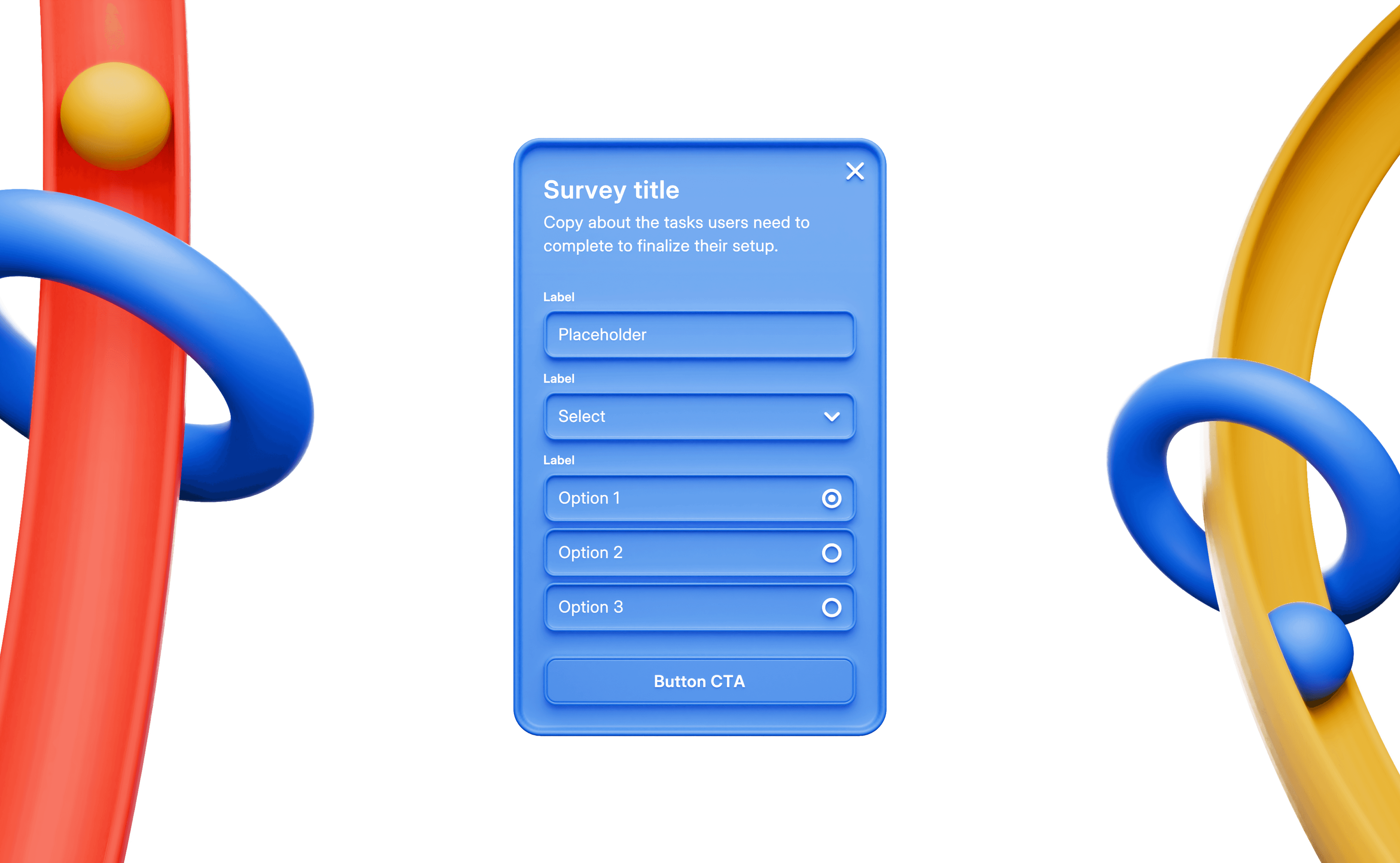
Form
Used to collect user information required for account setup or other product requirements.
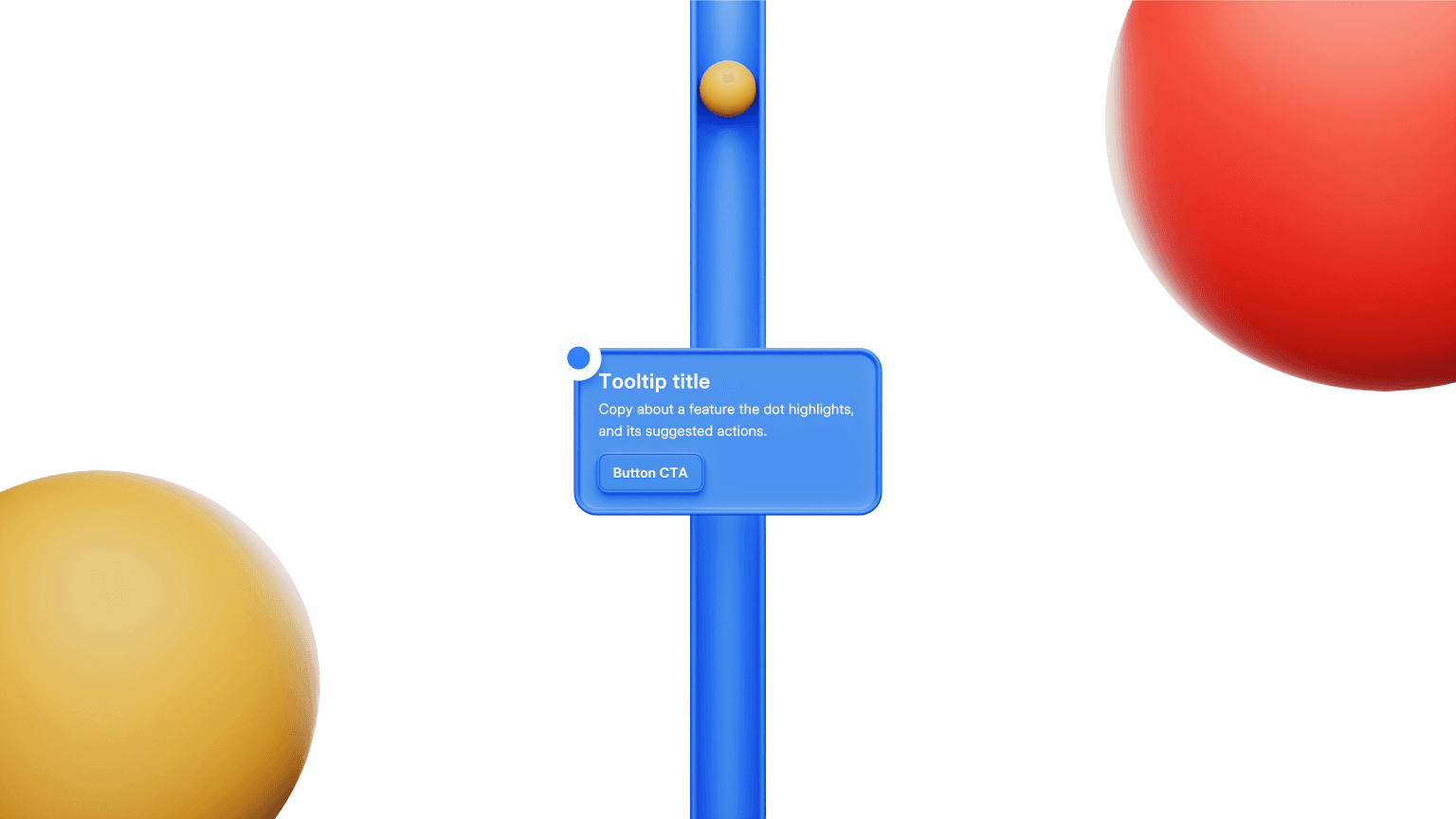
Hint
A lightweight, unobtrusive inline UI to help educate users. Hints can appear at specific moments or in response to user interactions.
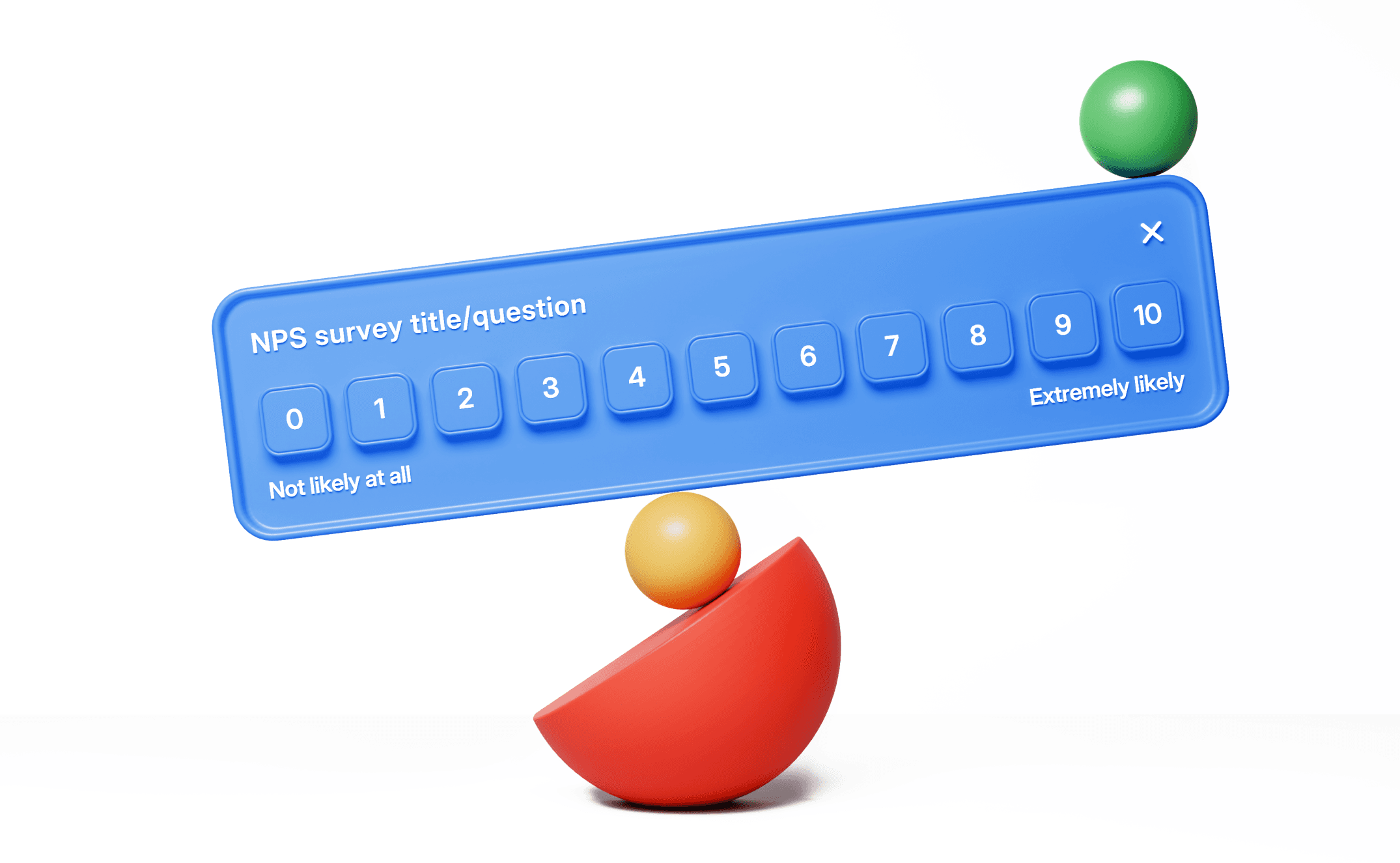
Survey
Used to collect user information or feedback.
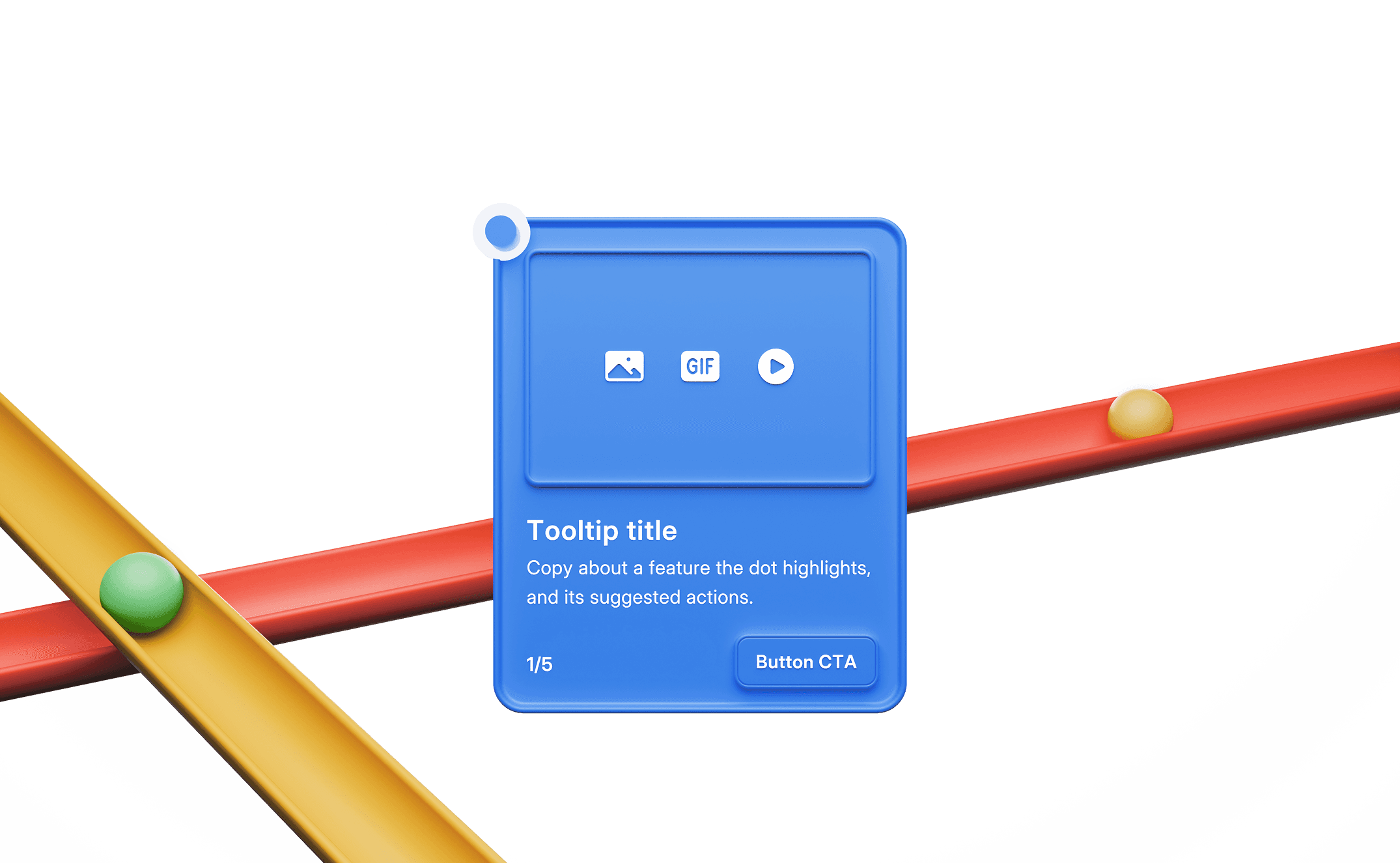
Tour
A guided demonstration highlighting a product's features and benefits for users.